LDAP Writer
Description
This channel is used to write and change files in a LDAP directory.
Configuration
The dialog to configure the LDAP Writer looks like:
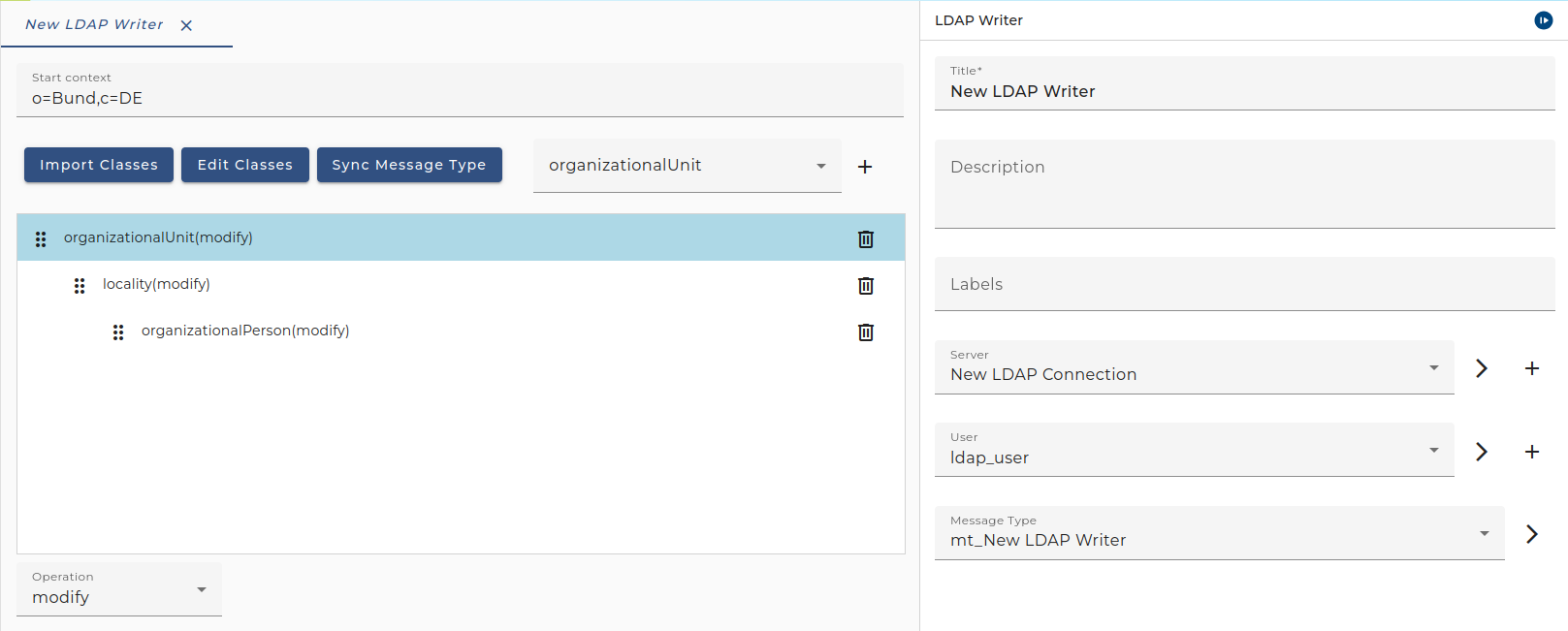
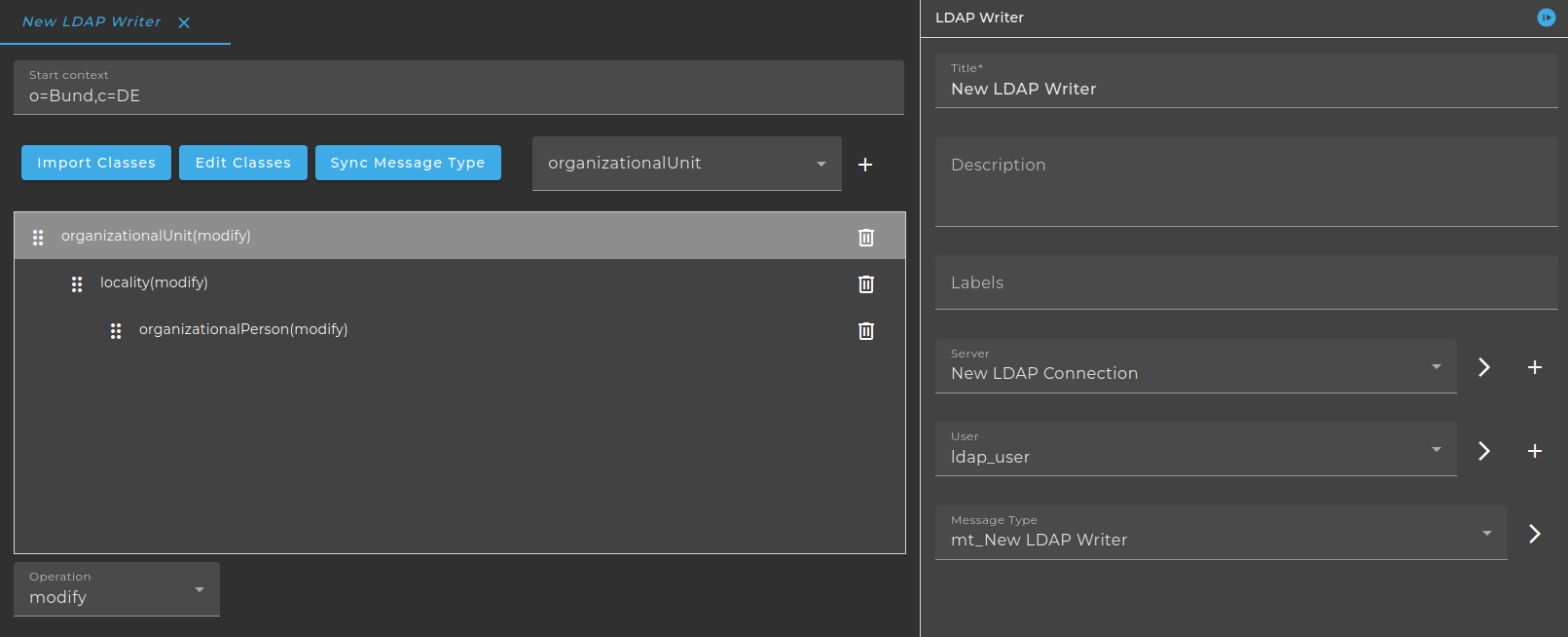
- Server: Choose an appropriate environment entry.
- User: (Optional) Choose a user.
- Message Type: Choose a message type for the request message.
- Start context: Define the LDAP start point
- Object class hierarchy (Table): The hierarchy of the object classes are defined here. It can be structured due to drag and drop.
Import Classes
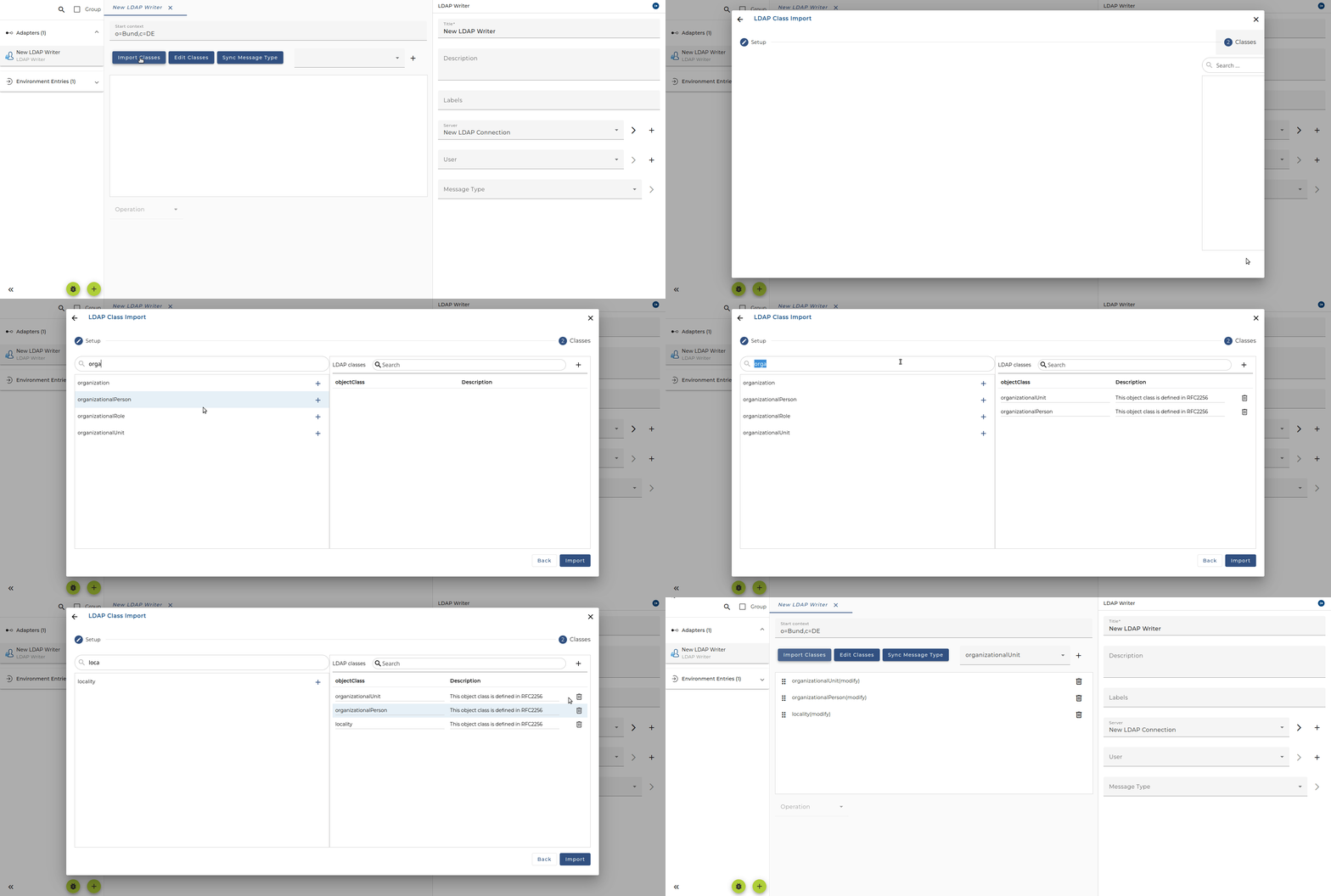
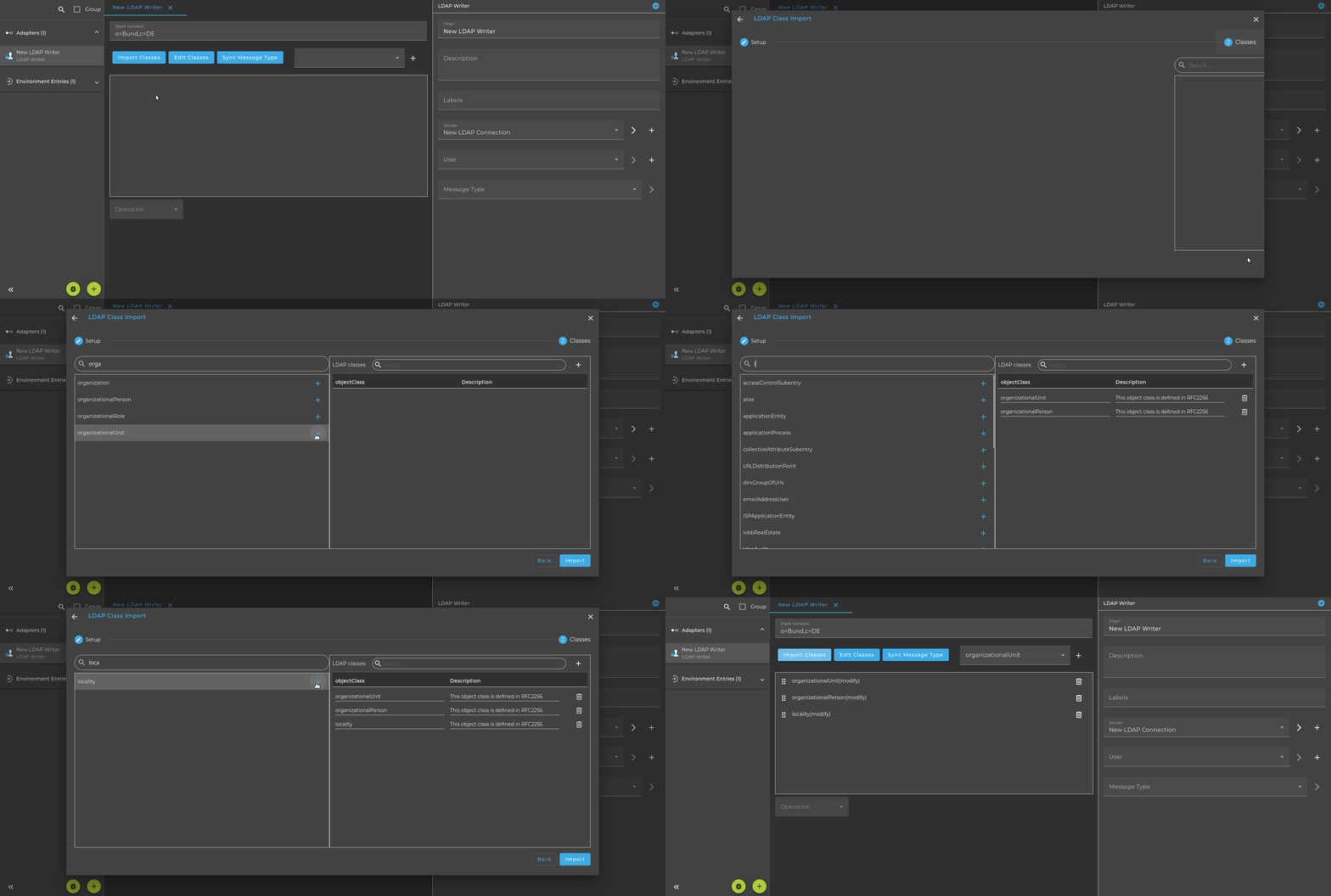
Edit Classes
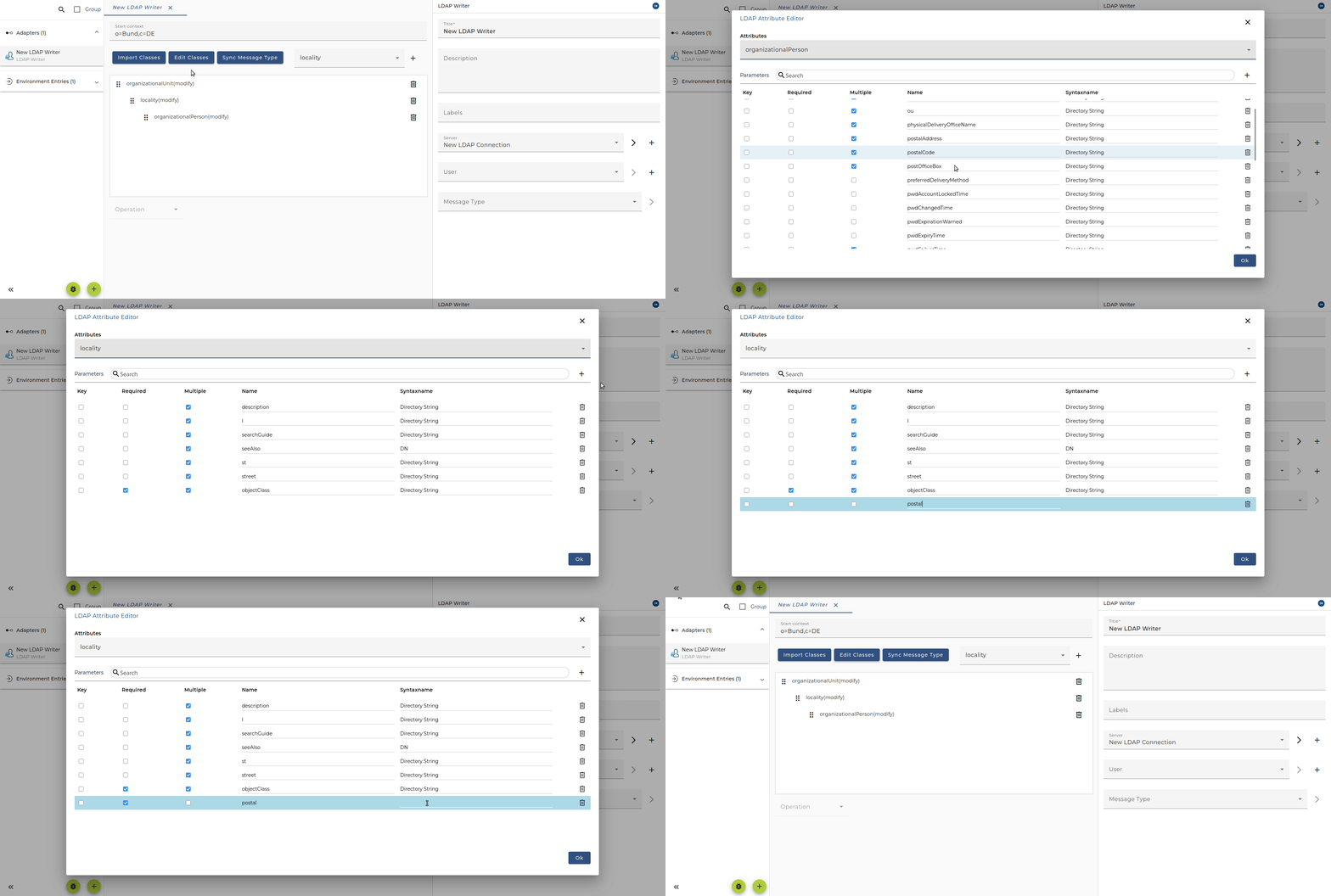
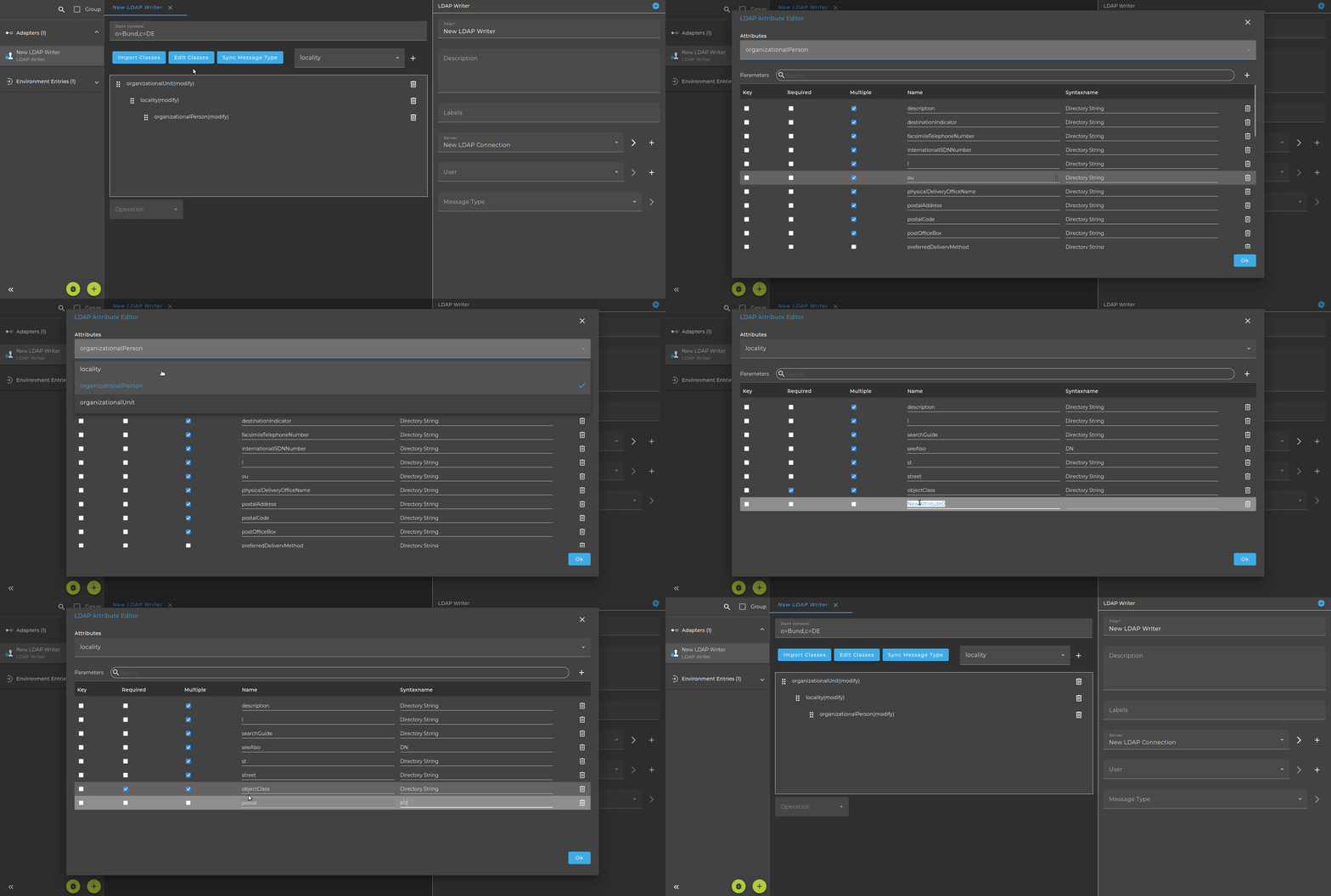
To add the same class from the class hierarchy multiple times, use the dropdown field to select the desired class and click the "+" button. You can then drag and drop it to the correct position.
Sync Message Type
The generated class hierarchy can be stored in a message type using the Sync Message Type option. If no message type is currently selected, a new one will be created; otherwise, the existing one will be updated.
Operations
-
add: add the object to the LDAP tree. The message tree must contain at least the identifying attributes which finally will build the distinguished name of the LDAP object to create.
-
delete: delete the object from the LDAP tree. The message tree must have only the identifying attributes which finally will build the distinguished name of the LDAP object to delete.
-
modify: change the object in the LDAP tree. The message tree must contain at least the identifying attributes which finally will build the distinguished name of the LDAP object to modify. All the properties whose names are contained in the element tree will be updated.
-
replicate: add or change the object in the LDAP tree. The message tree must contain at least the identifying attributes which finally will build the distinguished name of the LDAP object to add or modify. If the Object identified by the distinguished name exists on the LDAP repository it will be modified, otherwise it will be added. All the properties whose names are contained in the element tree will finally be written to the LDAP.
-
rename: I implemented this in the following way: If for an LDAP object class the method rename is selected, the key elements of the according message element need to have an XML attribute newName containing the new value of the key value. E.g.
 <organizationalUnit>
       <ou>development</ou>
       <description>Entwicklung Augsburg</description>
       <inetOrgPerson>
           <sn>Link</sn>
           <cn>Heisenberg</cn>
           <givenName>Walter</givenName>
           <uid newName="wli">wlink</uid>
       </inetOrgPerson>
   </organizationalUnit>
Additional Information about LDAP Writer
- The entries that are to be written must be located directly below the context.
- No hierarchy is possible (i.e. the data records are lower in the hierarchy)
- The data records in the example are directly under "OU=soffico,CN=Users,DC=soffico,DC=local"
- The data record itself then only indicates the cn:
<?xml version="1.0" encoding="UTF-8"?>
<result>
  <organizationalPerson>
    <assistant>CN=UserNo3001,OU=soffico,DC=soffico,DC=local</assistant>
    <mobile>0175</mobile>
    <postalCode>8899</postalCode>
    <cn>UserNo3002</cn>
  </organizationalPerson>
</result>
- For each configured LDAP class, at least one key must be defined. This can be done through the class configuration (Edit Classes)
- If one of these cannot be changed, a message appears without any reference to the field! Unfortunately this is due to the Java JNDI; and doesn't say much.
- You can make the start context (where the data records have to be underneath) variable by Simply entering a variable: $(start)
if a variable is used, it must contain the complete context
- If the log level is set to FINEST, you can also see the individual fields listed